Turn text into videos with AI voices
Transform your ideas into stunning videos with our AI video generator. Easy to use Text to Video editor featuring lifelike voiceovers, dynamic AI video clips, and a wide range of AI-powered features.
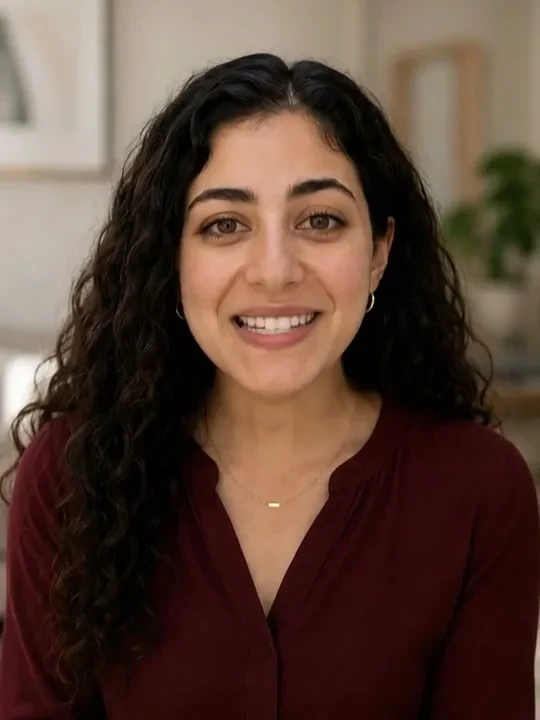
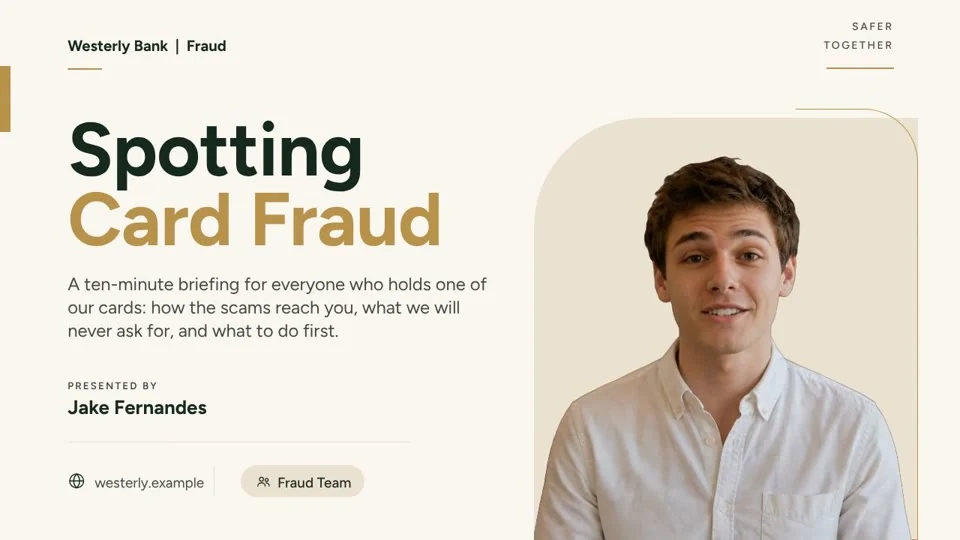

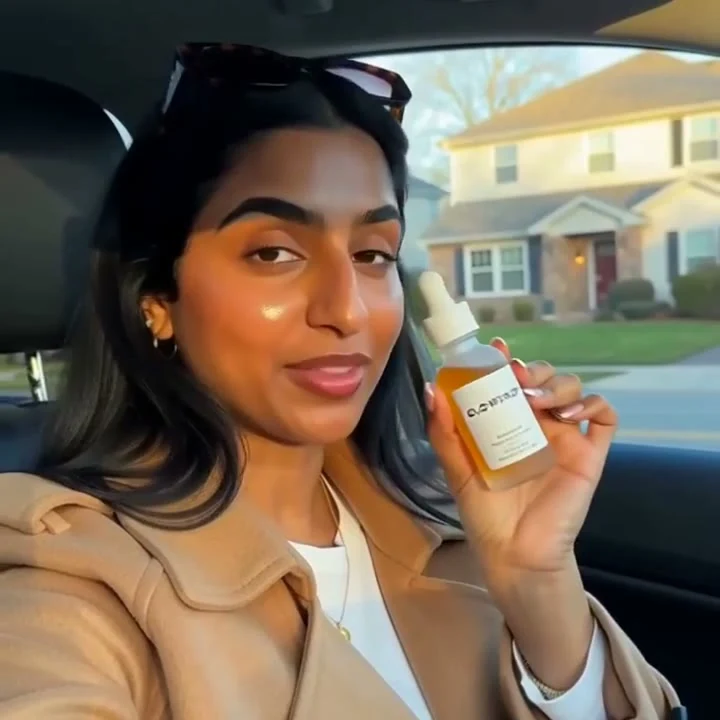
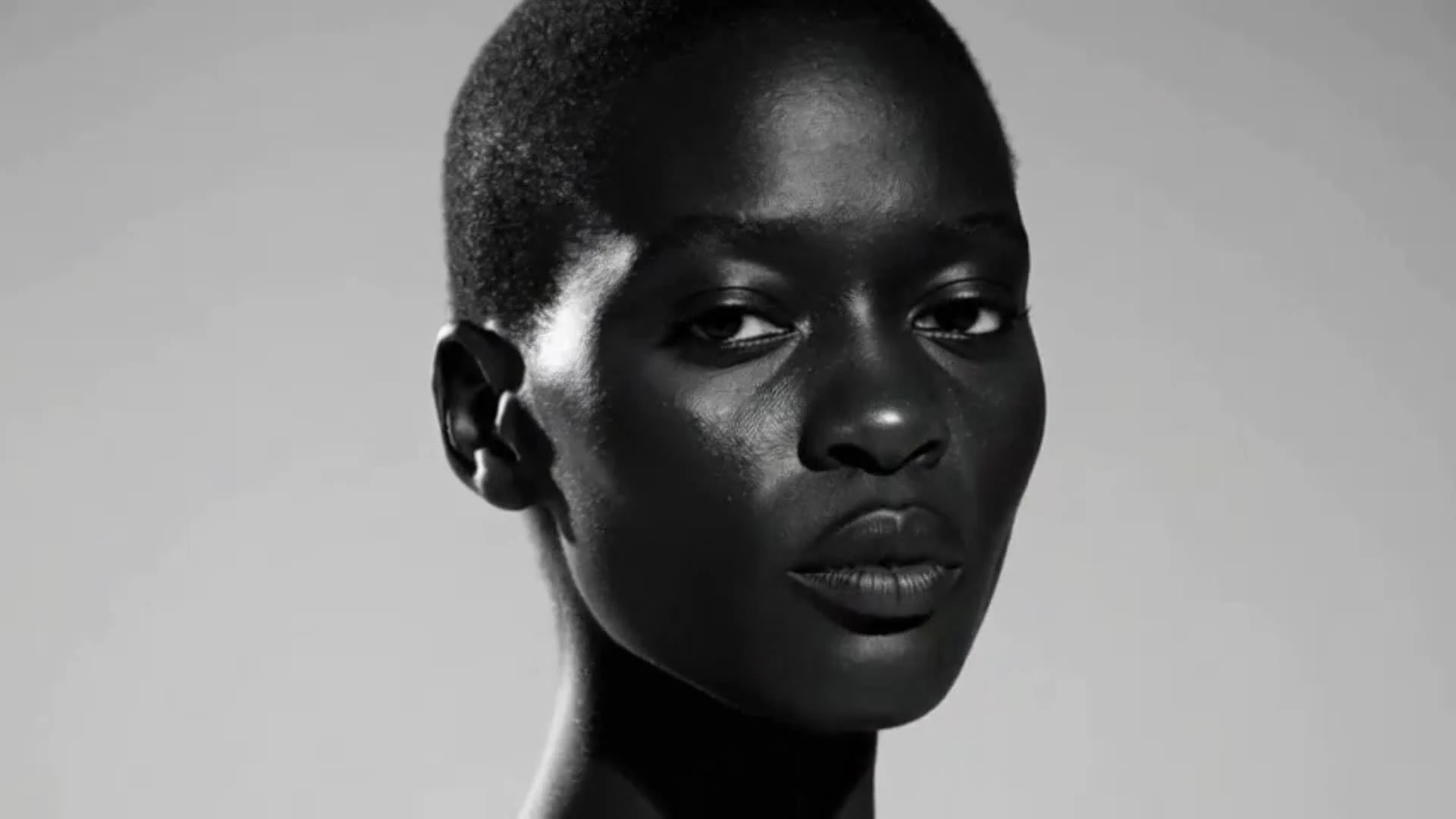
No credit card required to explore the workflowCreate your video
GoogleHubSpotCanvaSalesforceNotion
Everything you need to turn text into stunning videos
One connected workflow for scripts, voices, visuals, avatars, and publishing.
Text to Video
Your content, now in video form
Paste a script, blog post or one-line prompt. Fliki's text-to-video AI writes the script, picks visuals, adds AI voiceover, music and subtitles, and gives you a publish-ready video with consistent characters in minutes.
Try text to video
Text to Speech
Human-quality voice, at scale
2,000+ lifelike AI voices in 80+ languages and dialects, with real emotion, pacing and emphasis. Generate voiceover for any video, dub into another language, or clone your own voice from a short sample.
Hear the voicesSeries
Never run out of content
Tell Fliki your topic, style and posting schedule. The AI video generator plans your next videos, writes the scripts, and has them ready when you need them so your TikTok, YouTube and Shorts channels stay consistent.
Start a series
Digital Twin
Your face. Your voice. Zero filming.
Record yourself once. Fliki creates a digital twin that presents, teaches and speaks in 80+ languages, with the same face and voice in every scene. Scale your output without picking up a camera.
Create your digital twinBuilt for how you create video
Start with the workflow that matches your work, then shape every detail before publishing.
Create viral TikToks and Reels without showing your face
Turn your ideas into faceless short-form videos in minutes. No camera, no editing skills, no expensive gear - just describe what you want and hit generate.
- Idea to upload in under 5 minutes
- Trending templates for TikTok, Reels and YouTube Shorts
- AI script generator for daily content ideas
- One-click publish to TikTok, Instagram and YouTube
Explore everything Fliki can do.
Powerful AI tools for every part of your content creation workflow.
Video workflow
Text to video
Turn any blog, script or prompt into a complete video with narration, visuals, music and captions.
Explore this workflowAI generated first cutLoved by content creators around the world
4.8 out of 5 · Based on 5,000+ reviews
Fliki is incredibly easy to use. I just upload my script, and it automatically breaks it into smaller segments for me!
Maya KimTikTok Creator · 2.3M followersAs a busy orthodontist, I don't have time for content creation. Fliki lets me create patient education videos in minutes.
Dr. Rachel ChenSolo Practice OwnerWe reduced training video production costs by 90% and increased output from 10 to 200+ videos per quarter.
Will SullivanL&D Director, Fortune 500Built on the best AI models - ready inside Fliki
Every leading video, voice and image model, integrated, unified and tuned for creators.
SEEDANCE 2.5GEMINI OMNI FLASHFABRICGPT IMAGE 2.5META MUSENANO BANANA 2 LITEMINIMAX H3FLUX 3 VIDEOSEEDANCE 2.5GEMINI OMNI FLASHFABRICGPT IMAGE 2.5META MUSENANO BANANA 2 LITEMINIMAX H3FLUX 3 VIDEOCreate more video with the plan that fits your workflow.
All plans are paid with no free tier. Monthly and annual billing are available; checkout is calculated on the server and opens directly on Stripe.
For focused personal projects and early experiments.
$12/month
- Core workspace access
- English-only interface
- Project history
- Standard exports
- Email support
Secure checkout · Cancel anytime
For creators and professionals using the workspace every week.
$29/month
- Everything in Starter
- Higher monthly capacity
- Advanced controls
- Priority rendering
- Export presets
Secure checkout · Cancel anytime
For teams with repeatable production workflows.
$64/month
- Everything in Pro
- Shared workspace
- Expanded capacity
- Team review tools
- Priority support
Secure checkout · Cancel anytime
All plans are paid. Prices are in USD. Payment opens directly on Stripe without a provider-selection dialog. No free tier is offered.
Frequently asked questions
Everything you need to know about turning text, ideas and long-form content into video.
What is an AI video generator?
An AI video generator turns text prompts, scripts or existing content into finished videos by generating voiceover, visuals, music and subtitles. Instead of filming and editing manually, you describe what you want and the AI assembles the first cut.
How do I turn text into a video?
Paste a blog post, script or prompt into the text-to-video workflow. Fliki creates a matching video with AI voiceover, visuals, music and captions. Review the scene plan before exporting.
How do I add an AI voice to a video?
Choose a voice, paste your script and generate a synced voiceover. Fliki supports 2,000+ AI voices across 80+ languages and dialects, with controls for pacing and emphasis.
How do I convert a blog post into a video?
Paste the article text or URL into the blog-to-video workflow. Fliki writes the video script, selects supporting visuals, adds narration and creates captions.
How do I turn a PowerPoint into a video?
Upload a PPT or Google Slides file. Fliki converts the slides into scenes with narration, transitions and captions so the deck can be shared as a video.
Can I clone my voice for videos?
Voice cloning records a short sample and creates a consistent AI version of the voice for future videos. Review usage rights and obtain consent before cloning someone else's voice.
How many languages do AI voice generators support?
Fliki supports 80+ languages and dialects, including English, Spanish, Portuguese, Hindi, Arabic, Indonesian, French, German, Japanese, Korean, Russian and Mandarin.
How do I make faceless YouTube videos and TikToks?
Combine AI voiceover with AI-generated or licensed visuals and captions. Start with a script or prompt, choose a vertical format, review the scene plan and export.
Can AI-generated videos be used commercially?
Commercial rights depend on the plan and on the licences attached to each voice, music track and visual asset. Review the terms shown at checkout before publishing commercially.
How long does it take to make an AI video?
Short-form videos can be planned in minutes. Longer videos with multiple scenes, custom visuals or renders take more time, depending on the selected workflow.
READY WHEN YOU ARE
Start creating videos with AI today
Turn scripts, ideas and long-form content into videos with lifelike voices, consistent visuals and an editable scene plan.
Paid plans only · Cancel anytimeReview every scene before export